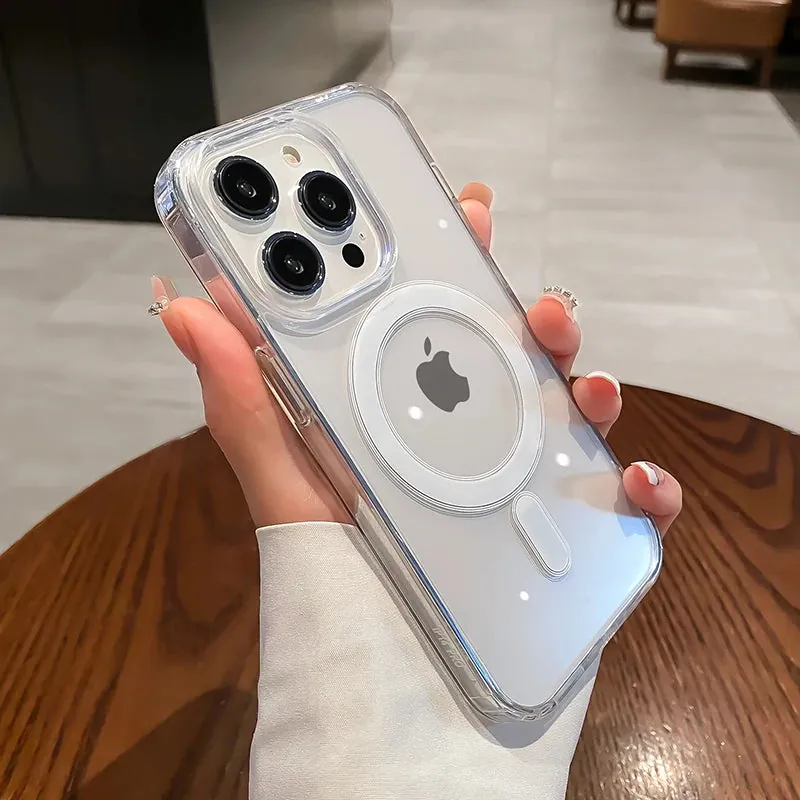
A phone case goes everywhere your hands do. Most days, a quick microfiber wipe is enough to lift fingerprints, lint, sunscreen, and the small marks that build up around the edges. When you have a specific reason to disinfect it, the important part is staying controlled. Remove the phone, follow the case maker’s care instructions, use only a product the material can handle, and let the case dry fully before it goes back on.
Cleaning and disinfecting are not the same job
Cleaning removes visible dirt, oils, crumbs, makeup, and residue. Disinfecting uses a product that is intended to reduce germs on a surface when it is used exactly as its label directs. One is not automatically a substitute for the other. A case with a layer of lotion or grime needs to be cleaned first, while a clean-looking case may still need more careful treatment after a situation where you specifically want to disinfect it.
That distinction matters because a phone case is not a countertop. It may be clear TPU, silicone, leather, leather-look material, hard plastic, a textured coating, or a mix of several materials around a magnetic ring, stand, card slot, or camera cover. A disinfecting product that works well on one surface can change the color, texture, or fit of another.
The CDC recommends following the product label when using a disinfectant. That is especially useful here, because contact time, dilution, and material compatibility are part of what makes the product appropriate. Read the label before it touches the case, then check the case maker’s own care guidance if it is available.
Start by taking the phone out of the case
Always separate the phone and case before you clean or disinfect. Put the phone face down on a clean, dry microfiber cloth or towel, then set the empty case beside it. This keeps liquid away from the phone’s ports, speakers, buttons, camera opening, and charging area. It also gives you access to the inner rim where lint and grit tend to collect.
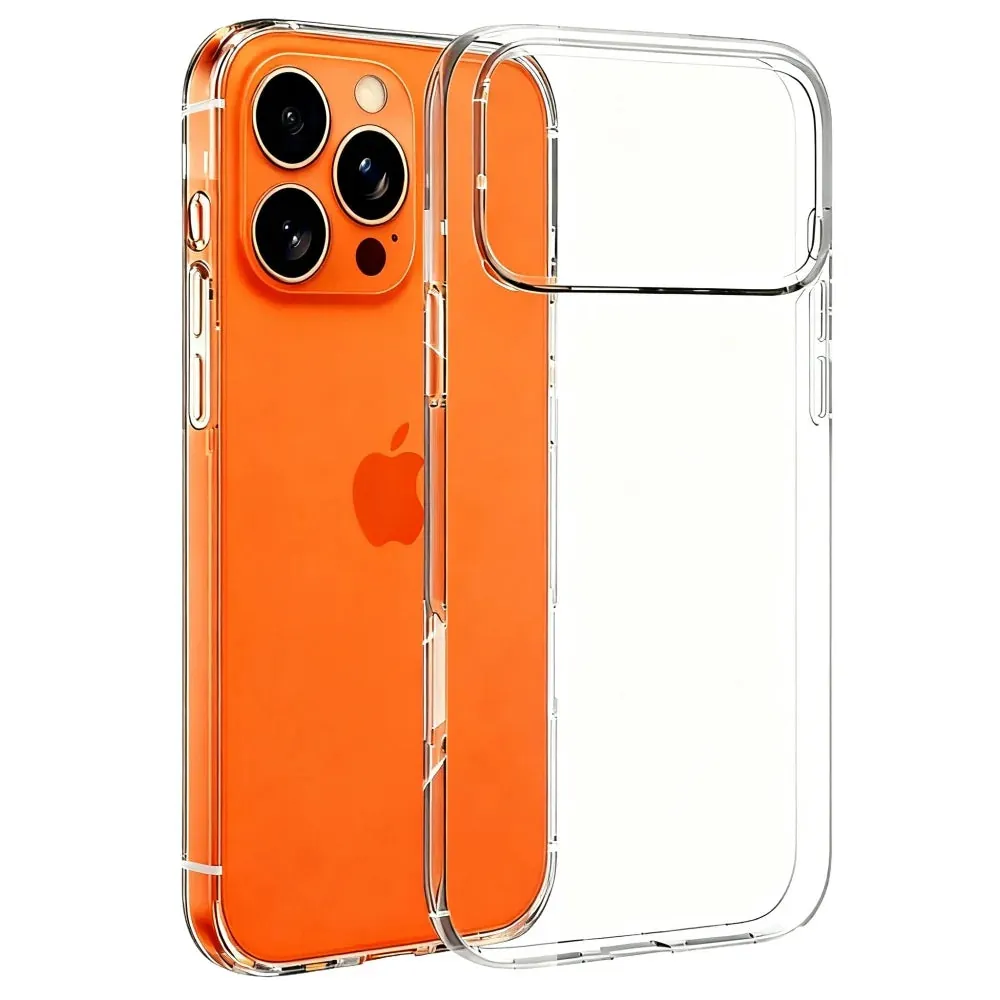
Shake out dry debris first. A soft, dry microfiber cloth works well around the inner corners, camera opening, and button covers. Do not use a pin, knife, key, or stiff brush. Those tools can scratch a clear finish, tear a flexible edge, or force debris into a seam. If you need a refresher on the safest way to get the phone out, use the phone case removal guide before you start.
Keep the phone cleaning separate from the case. Apple’s official cleaning guidance recommends a soft, lint-free cloth for the device and warns against getting moisture into openings. The empty case is much easier to handle carefully than the phone inside it.
Check the material before you choose a product
Look at the product description, packaging, or manufacturer care note before using a disinfecting wipe or spray. Clear TPU, silicone, hard plastic, leather, faux leather, printed designs, soft-touch coatings, and fabric-lined cases all have different limits. When the material is uncertain, take the conservative route. A dry microfiber wipe and a gentle clean are safer than guessing with a stronger product.
Clear and hard plastic cases are often easier to wipe down, but they can still turn cloudy or scratched when treated with rough cloths, abrasive powders, or repeated harsh chemicals. Silicone can collect oils and feel tacky after the wrong cleaner. Leather and leather-look finishes can dry, stain, or become blotchy. Cases with a stand, card slot, magnets, a sliding camera cover, or a ring have more seams where liquid can linger.
Apple notes that some of its case materials have their own cleaning limits. That is a good general rule for any brand: material-specific instructions come first. A disinfecting method that is compatible with the phone is not automatically compatible with the case around it.
Apply the product to a cloth, not directly to the case
When the case maker confirms a compatible disinfecting product, use it with control. Do not spray the case directly and do not soak it. Instead, use a wipe as directed or apply the approved product to a clean lint-free cloth, then wipe the outside and inside in light, even passes. Keep excess liquid away from cutouts, button covers, stand hinges, card slots, and magnetic accessories.
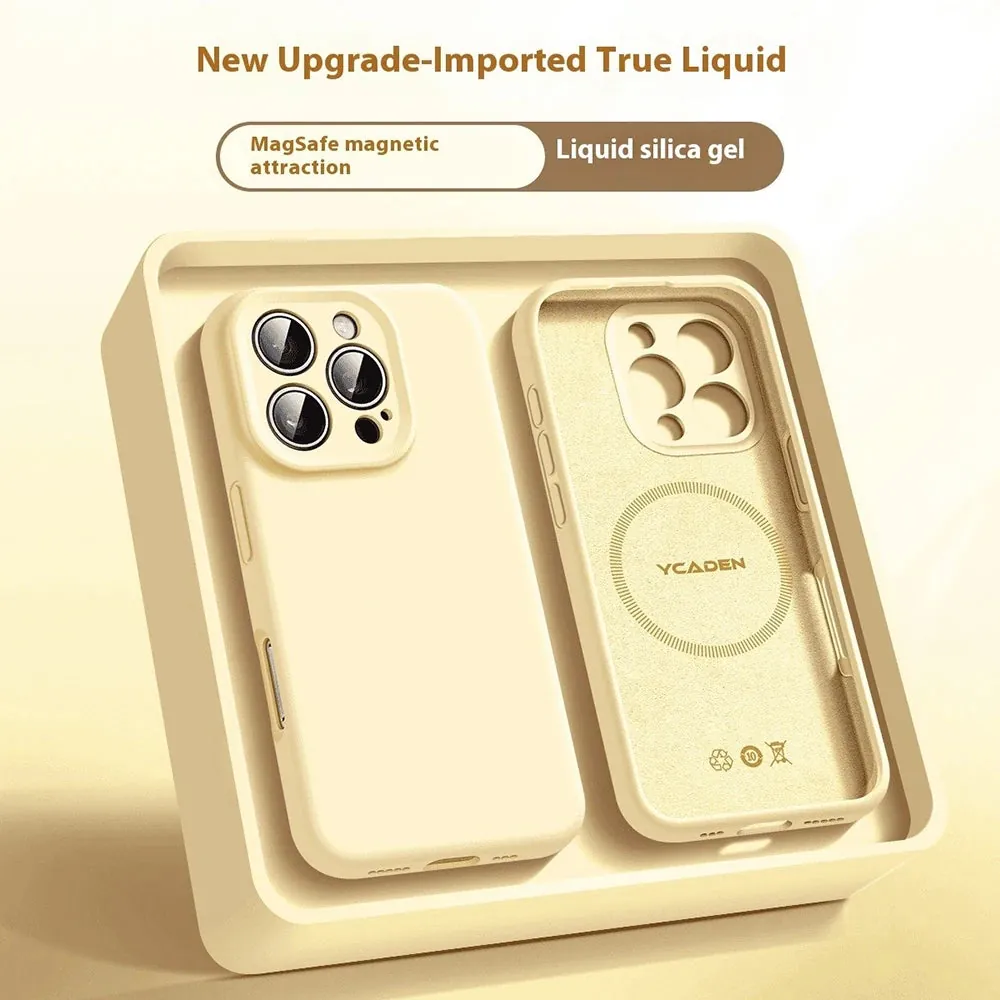
Use the contact time on the product label. Wiping a surface and immediately drying it may not match the product’s directions. At the same time, do not leave the case wet longer than the label requires, and do not let cleaner pool in a seam. Once the stated contact time has passed, follow the label’s next step, which may be air drying or wiping away remaining moisture with a separate clean cloth.
A cloth gives you more control than a spray. It keeps the product on the surface you mean to treat, instead of sending it into the camera opening or under a moving piece. It is also kinder to the case’s fit, especially when the case wraps tightly around the buttons and edges.
Give the case time to dry completely
Put the case open-side-up on a clean dry microfiber cloth and let it air dry at room temperature. Check the inner rim, camera opening, button covers, charging-port edge, stand hinge, and any card pockets before you reinstall it. A case can look dry on the outside while holding moisture inside a crease.
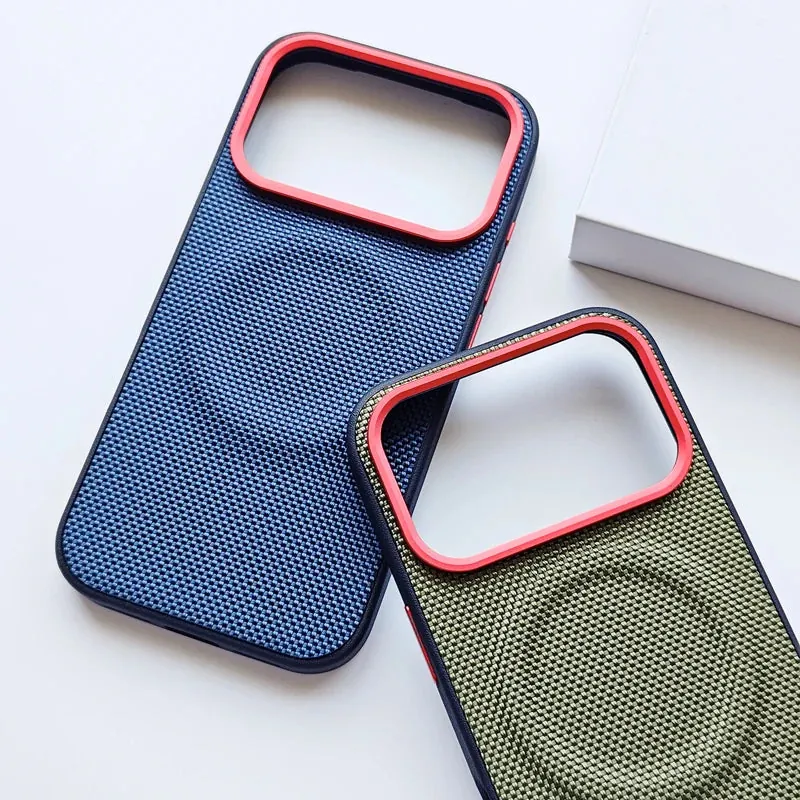
Skip the hair dryer, radiator, hot car dashboard, and direct sun. Extra heat can warp some plastics, dry out leather-like finishes, or change the way an edge sits around the phone. Air drying is slower, but it gives the material the best chance of returning to its normal shape and feel.
Once the case is dry, wipe the phone with a separate dry microfiber cloth. Then line up the camera area and top edge before pressing each corner back into place. Run a finger around the rim to make sure every edge sits flat and no lint was trapped underneath.
Use more caution with leather and leather-look cases
Leather and leather-look cases deserve the gentlest approach. Do not assume a disinfecting wipe is appropriate simply because it is convenient. Alcohol, bleach, fragrance, strong sprays, and household degreasers can leave some finishes dry, faded, sticky, or uneven. If the maker does not expressly approve a disinfecting product, stick with a dry microfiber wipe for routine care and use the maker’s specific instructions when you need more.
For a spill, remove the phone and blot rather than rub. Work from the edge of the spot inward with a clean cloth, then let the case dry naturally. Treating a leather-style case like a hard plastic case is how a small mark becomes a larger one. The leather phone case cleaning guide explains the lowest-risk routine for everyday dust, fingerprints, and small spots.
The same caution applies to cases with printed graphics, a glossy coating, a fabric lining, or a soft-touch finish. When you cannot verify compatibility, do not test the strongest cleaner in the cabinet. A replacement case costs less frustration than trying to reverse clouding, peeling, or a damaged coating.
Do not turn ordinary care into a chemical experiment
For most days, you do not need to disinfect the case. A regular microfiber wipe, a gentle material-appropriate clean, and a quick check for trapped lint are enough to keep it comfortable to hold and free of everyday grime. Save disinfecting for the times you have a specific reason, then use a compatible product carefully instead of reaching for whatever is nearby.
Avoid bleach, acetone, nail polish remover, scouring pads, abrasive powders, and kitchen or bathroom sprays unless the case maker explicitly says otherwise. These can cloud clear plastic, weaken a soft finish, dry out a leather-like texture, or leave residue where your fingers rest. More force is not a better cleaning method.
If a mark does not improve after a few gentle passes, reassess what you are seeing. A yellow tint in a clear case may be material aging, not surface grime. A tacky silicone patch can be coating wear. A stretched corner is a fit problem. The clear case cleaning guide, silicone case cleaning guide, and clear case yellowing guide can help you match the next step to the actual problem.
Know when it is time to replace the case
Cleaning and disinfecting remove residue. They cannot repair cracked corners, a warped frame, a loose edge, peeling coating, or a camera opening that no longer lines up. If the case does not sit flat around the phone, lifts away by itself, or lets grit build up underneath repeatedly, it is no longer doing its everyday job well.
When replacement makes sense, choose the next case around how you use the phone. A transparent option keeps the phone’s color visible. Silicone adds a softer grip. A magnetic case can suit people who charge with a compatible power bank or use a magnetic mount. The phone case collection makes it easy to compare styles without settling for a worn-out fit.
A case that fits properly is easier to clean, more comfortable to carry, and more likely to stay in place when you need it. That is more useful than trying to keep a damaged case looking new with another cleaning trick.
A quick disinfecting checklist
1. Remove the phone and clear out dry grit first.
2. Check the case material and its care instructions.
3. Use only a product that is compatible with that material, following its label.
4. Apply it with a cloth or wipe, not a direct spray.
5. Keep liquid away from openings, seams, and moving parts.
6. Let the case air dry completely before putting it back on the phone.
7. Replace the case when wear has become a fit or protection problem.
That routine keeps the job simple. It respects the material, protects the phone from trapped moisture, and helps the case stay useful for everyday carry.
FREQUENTLY ASKED QUESTIONS
Phone case disinfecting questions
Can I use disinfecting wipes on a phone case?
Only when the case maker says the wipe is suitable for that material. Wipe gently, keep liquid away from openings and moving parts, and let the case dry fully before putting it back on the phone.
Can I disinfect a leather phone case?
Treat leather and leather-look cases cautiously. Strong disinfecting products can dry, stain, or change the finish. Follow the maker’s instructions first, and use a dry microfiber cloth for routine care when no compatible disinfecting method is stated.
Do I need to disinfect my phone case every day?
For most everyday use, a regular microfiber wipe and an occasional gentle clean are enough. Disinfect after a situation where you have a specific reason to do so, while still following the case maker’s care instructions.
How long should a phone case dry after disinfecting?
Leave it off the phone until it feels completely dry, including around the camera opening, buttons, charging-port edge, seams, and any moving stand or card-slot parts.
RELATED POSTS
Keep your case in good shape.
How to Clean a Phone Case Safely
A simple, material-aware way to clean a phone case without trapping moisture, scratching the finish, or using the wrong cleaner.
READ ARTICLE ↗
How to Clean a Silicone Phone Case Without Making It Sticky
Learn how to clean a silicone phone case with a damp microfiber cloth and avoid cleaners that can leave the finish sticky.
READ ARTICLE ↗
How to Clean a Leather Phone Case
A careful, practical routine for cleaning genuine leather and leather-look phone cases without leaving the finish dry, dull, or damaged.
READ ARTICLE ↗