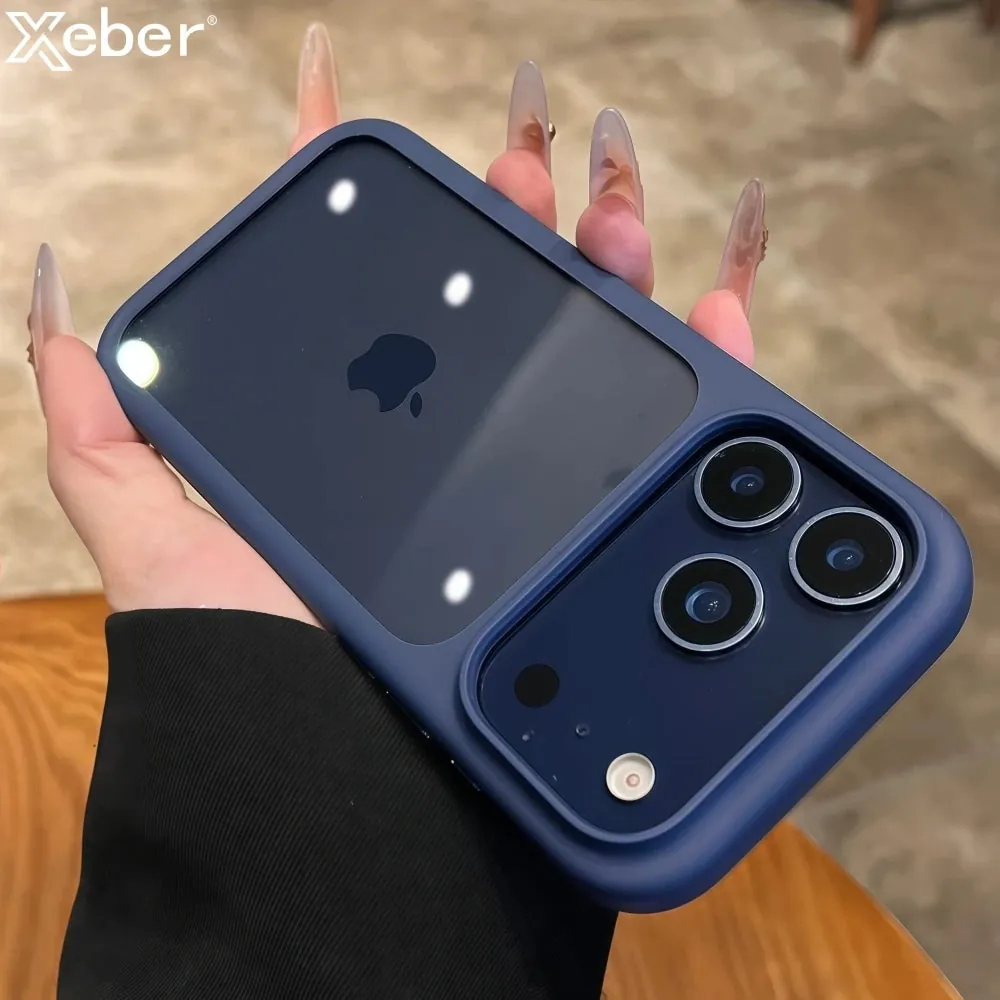
A phone case picks up the same things your hands and pockets do: fingerprints, skin oils, sunscreen, lint, crumbs, makeup, and the occasional mystery mark. Cleaning it is simple when you start gently and match the method to the material. The big mistakes are leaving the phone inside, soaking the case, scrubbing hard, or reaching for a harsh cleaner that changes the finish instead of removing the dirt.
Start with the lowest-risk method
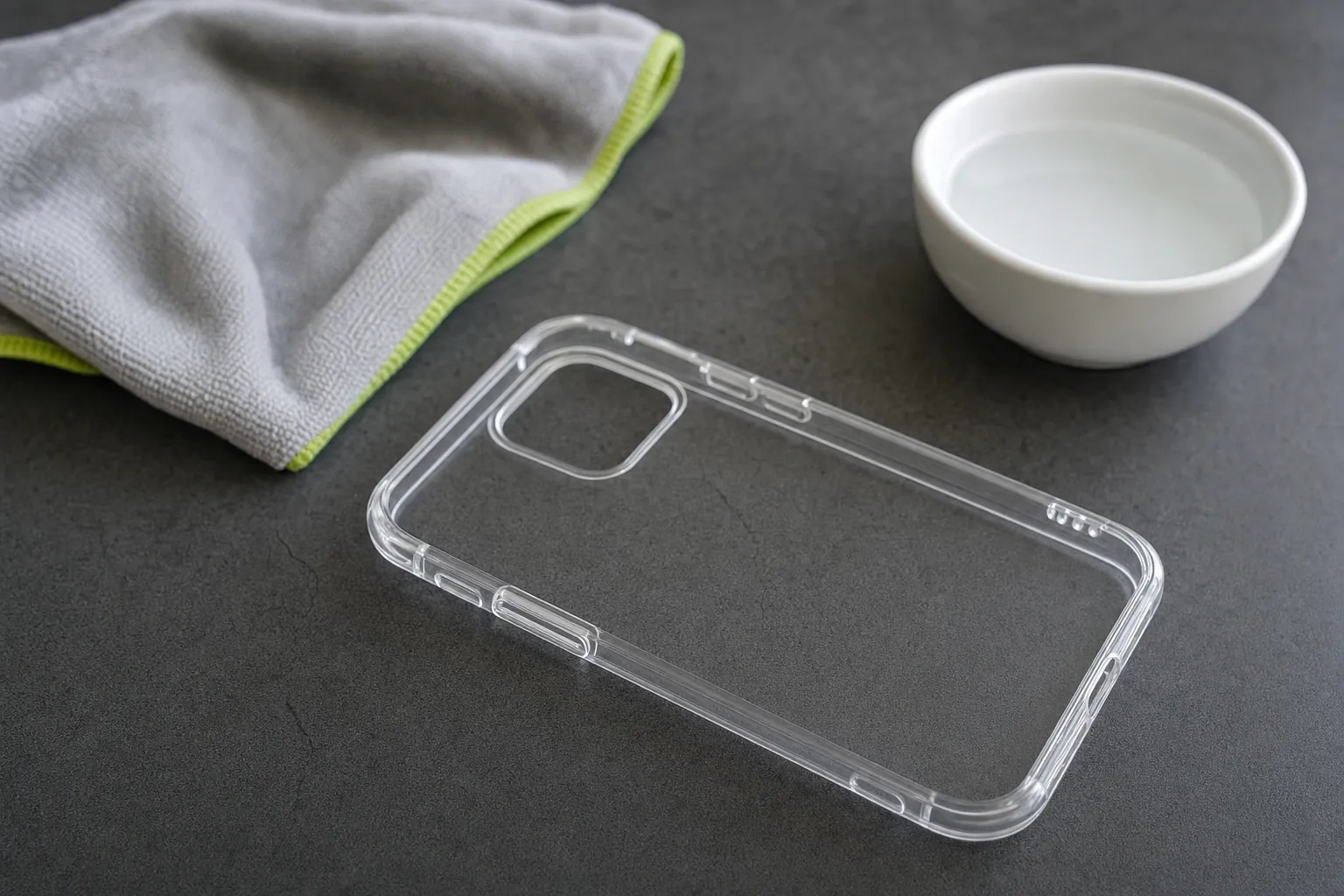
For most everyday marks, you only need two clean microfiber cloths and a little water. Take the phone out of the case first. This protects the ports and buttons from moisture, lets you clean the inside where grit collects, and makes it easier to notice whether the case is actually still fitting well.
Lightly dampen one cloth with plain water. It should feel barely moist, not wet enough to drip. Wipe the outside of the case with light pressure, then turn it over and wipe the inside. Use the second, dry cloth to pick up remaining moisture. Apple recommends a soft, lint-free cloth as the starting point for its silicone, clear, polycarbonate, and TPU iPhone cases in its official case cleaning guidance.
Let the case dry fully before it goes back on the phone. Pay attention to the camera opening, button covers, charging-port edge, and the inner rim. A case that looks dry on the outside can still hold moisture in a crease. A few extra minutes of air drying is easier than discovering dampness against the phone later.
Clean the inside as carefully as the outside
The inside of a phone case is easy to ignore because nobody sees it. It is also where dust and fine grit can sit against the back of the phone. Over time, that debris can make the surface look dull or leave small scuffs when the phone shifts in and out of the case.
After removing the phone, gently shake the case over a clean surface. Use a dry microfiber cloth around the corners, camera opening, and lower edge before you introduce any moisture. Then wipe the phone itself with a separate dry cloth. Keeping the inside clean is less about making it look perfect and more about stopping tiny particles from becoming a daily rubbing problem.
Do not use a key, pin, knife, or stiff brush to dig around the edges. These tools can scratch the case, tear a soft rim, or slip into the phone. If a little lint is stuck in a tight corner, fold the dry microfiber cloth into a narrow edge and work slowly. That gives you control without adding a new source of damage.
Use a little more care with clear plastic
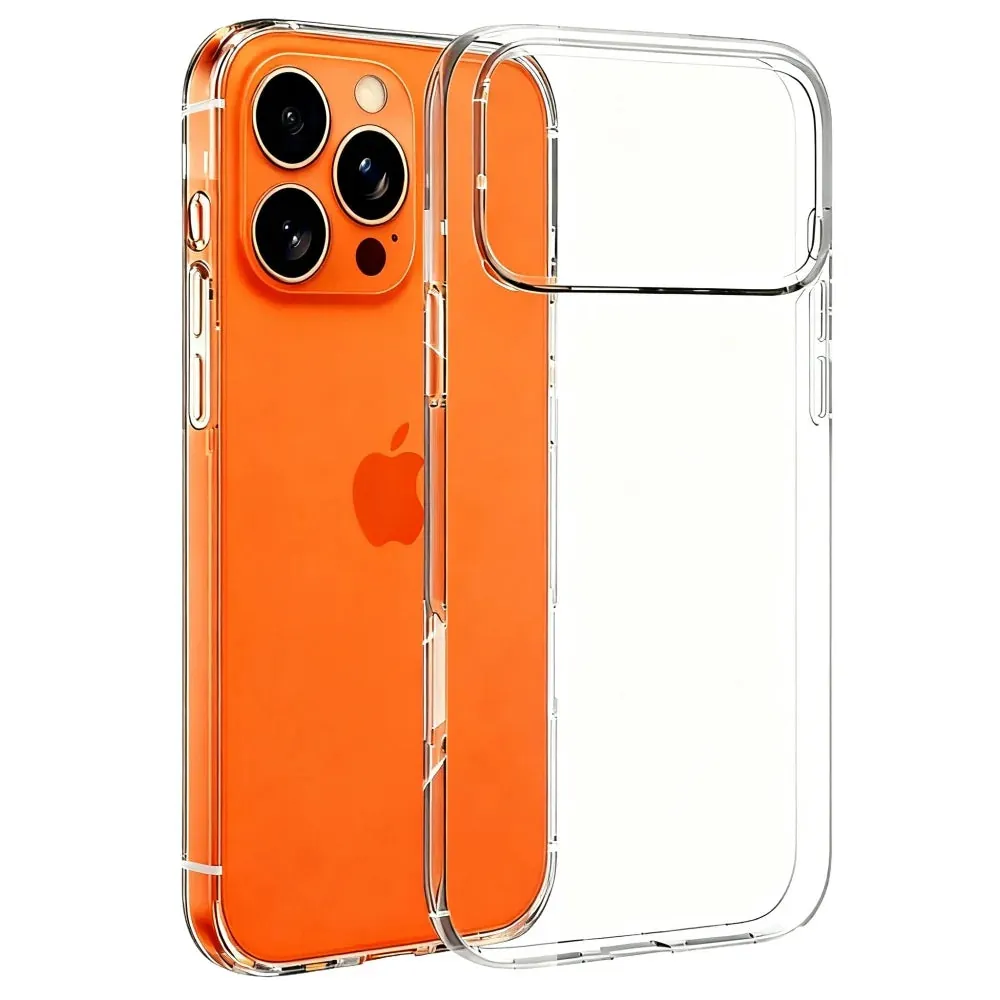
Clear cases often show fingerprints and pocket film sooner than darker cases. The safest routine is still a light wipe with a soft cloth and water, followed by a dry cloth. If your case maker specifically allows mild soap, use the smallest amount on the cloth rather than applying soap directly to the case. Wipe away any residue with a second damp cloth, then dry it thoroughly.
Skip abrasive powders, rough paper towels, scouring pads, and whitening experiments. They can leave clear plastic looking cloudy or scratched. Harsh products may remove a surface mark, but they can also roughen the finish enough that it catches more fingerprints afterward. That is a poor trade for a case meant to keep a clean, simple look.
A yellow tone is a separate issue. Surface grime can make a case look darker, while aging inside flexible clear material can create a tint that washing will not reverse. The clear case yellowing guide explains how to tell the difference, and the clear phone case cleaning guide gives a more detailed routine for a transparent finish.
Keep silicone and soft-touch cases gentle
Silicone and soft-touch finishes tend to collect skin oils, lotion, sunscreen, makeup, and lint. That can make a case feel tacky or uneven, especially around the lower sides where your fingers rest. A lightly damp microfiber cloth is the best first move. Wipe in short passes, then dry the surface instead of scrubbing one spot repeatedly.
Be careful with alcohol-based wipes, bleach, acetone, strong spray cleaners, and heavily fragranced products. A cleaner that is great for a counter can be rough on a soft case finish. If the mark does not improve after a few gentle passes, it may be dye transfer or normal wear rather than something that needs more force.
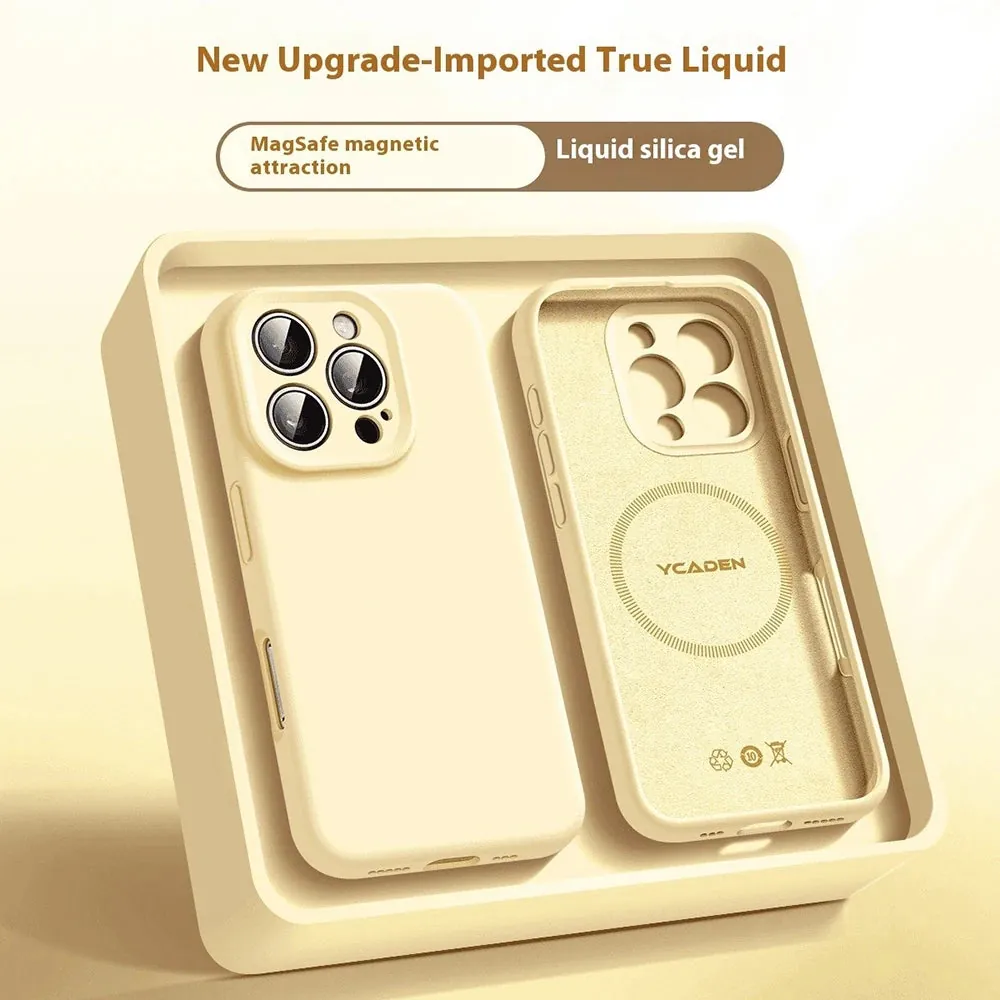
For a full material-specific routine, use the silicone phone case cleaning guide. It covers handling sticky spots, air drying, and the signs that a worn coating will not improve with more cleaning.
Leather and leather-look cases need less water
Leather, faux leather, and textured leather-look cases should stay on the dry side. Start with a clean, dry microfiber cloth and lift surface dust without rubbing hard. For a fresh spot, use the smallest amount of moisture possible on the cloth, test an inconspicuous inner edge first, and dry the case immediately.
Do not soak leather, hold it under running water, or leave it on a radiator or dashboard to dry. Too much moisture and heat can change the texture, color, or shape. Strong disinfecting wipes can also leave a finish looking dry or blotchy. When the material is not clearly identified, treat it as delicate until the maker says otherwise.
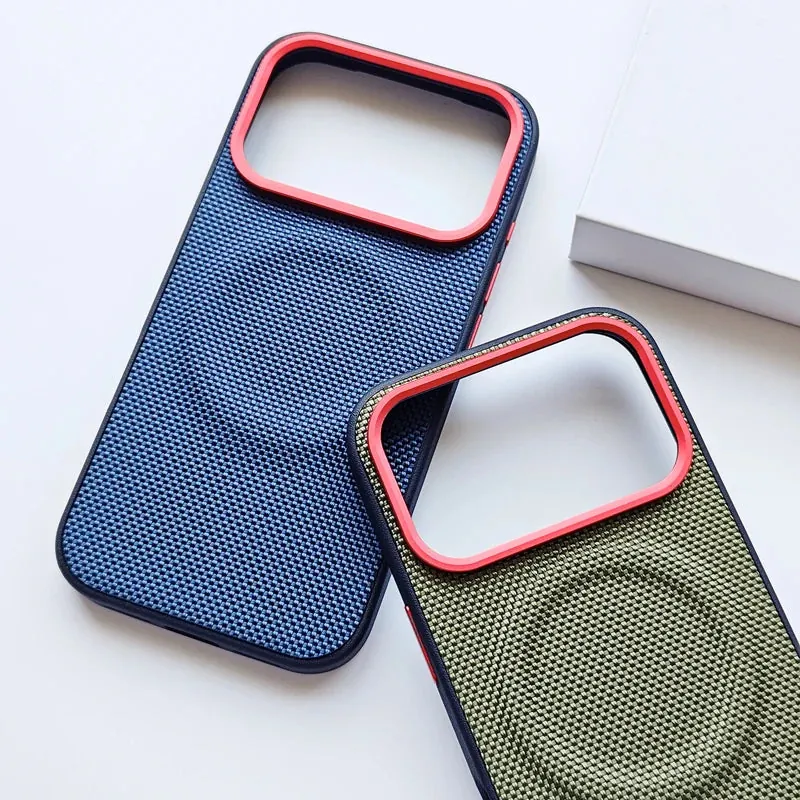
The leather phone case cleaning guide has a careful step-by-step approach for this material. It is worth using the gentler method because a little patience protects the finish better than trying to make leather behave like plastic.
Handle stubborn residue in stages
When a phone case has sunscreen, makeup, cooking oil, or a sticky spot, the instinct is to rub harder. Start by giving the slightly damp microfiber cloth a few seconds of contact with the mark instead. That can loosen residue without turning the surface into a scrub zone. Follow with gentle circular motion, using a clean area of the cloth as the dirt lifts.
If the mark is still there after two or three calm passes, stop and assess what you are seeing. A dark edge could be denim dye. A shiny patch on silicone could be coating wear. A cloudy patch on a clear case could be a scratch rather than leftover film. Continuing to scrub will not reliably solve those problems, and it can create a more noticeable one.
For cases whose maker specifically permits mild soap, use only a tiny amount mixed into water on the cloth, never a direct squeeze onto the case. Wipe the soap away with a clean, lightly damp cloth, then use a dry cloth before air drying. That extra wipe matters because detergent residue can leave a soft-touch finish feeling tacky or make clear plastic look hazy.
Keep cleaning products away from the openings of a case. The charging-port edge, buttons, camera area, magnets, hinges, and moving stand pieces are the worst places to leave moisture or cleaner behind. A cloth is more controlled than spraying anything onto the case, and it keeps the job focused on the surface that actually needs attention.
Build a quick case-care routine
A regular wipe prevents most deep-cleaning frustration. Once every week or two, remove the case, clear out lint, wipe both sides with a clean microfiber cloth, and check that every corner still sits flat. The job usually takes less time than searching for a cleaning hack after a stain has had weeks to settle in.
Some moments call for an earlier clean. Wipe the case after a beach day, a workout, cooking, applying sunscreen, using hand cream, traveling, or spilling a drink. These situations leave oils, moisture, or grit where you naturally grip the phone. Cleaning promptly means less residue gets pressed into the edge texture or the inside of the case.
It is useful to keep the cleaning cloth near your charger rather than under the sink with household cleaners. That makes the gentle option the easy option. A dedicated cloth also avoids transferring kitchen grease, bathroom cleaner, or dust from another surface onto the phone and case.
While the case is off, check the phone’s camera opening and buttons too. A clean case should make everyday use easier. If a moving cover sticks, a stand catches, or a magnetic attachment feels loose, clean gently around the part and then check the product’s own care instructions before trying to force it.
Do not clean every mark harder
Not every mark is dirt. Deep scratches, cracks, stretched corners, fading, yellowing inside clear plastic, or a soft coating that has started to break down may not be reversible. Cleaning can remove residue, but it cannot restore material that has worn away or reshaped with use.
When a case no longer sits flat around the phone, a corner lifts on its own, the buttons stop lining up, or the camera opening looks off-center, it is time to think about replacement. Those are fit problems, not cleaning problems. A case that has become loose can trap more debris and offers less dependable edge coverage.
It also helps to check the case after a spill or a hard drop. Remove it, clean out the inside, and inspect the rim in good light. This routine is short, but it tells you more about a case’s condition than how shiny it looks from the front.
Put the case back on without trapping dust
Once the case and phone are fully dry, line up the top edge and camera opening first. Press the corners around the phone one at a time, then run a finger around the whole rim. The case should sit evenly, the button covers should respond normally, and no edge should spring away from the phone.
Before you snap on the last corner, take one more look for lint or crumbs on the phone’s back. It takes seconds and saves you from opening the case again. If you are new to taking cases off for cleaning, the phone case removal guide shows the safest lower-corner method for flexible cases.
A regular clean does not need to become a project. Keep one microfiber cloth near where you charge your phone and make a quick wipe part of the routine after sunscreen, a workout, travel, cooking, or a spill. Small, gentle maintenance is the easiest way to keep the case comfortable to hold and the phone free of trapped grit.
Choose a replacement that fits your routine
When cleaning is no longer enough, choose the next case around how you actually use your phone. A clear case works well when you want the phone’s color to show. Silicone suits people who want a softer grip. A leather-look texture can add a more structured feel. If you use magnetic charging, a power bank, or a car mount, make sure the case is designed for that setup.
Snap & Grip carries clear, silicone, textured, and magnetic options in the phone case collection, including the Crystal Clear iPhone Case with Camera Touch Button for shoppers who want a clear finish with added camera coverage. Check your exact phone model, then focus on a secure fit, comfortable grip, and the charging setup you use every day.
A case should not require heroic cleaning to stay usable. The best fit is one that looks good after an ordinary wipe, stays seated around the phone, and supports the accessories you already reach for.
FREQUENTLY ASKED QUESTIONS
Phone case cleaning questions
What is the safest way to clean a phone case?
Remove the phone first, then use a soft lint-free microfiber cloth that is lightly damp with water. Wipe the outside and inside gently, use a dry cloth to remove remaining moisture, and let the case dry completely before putting it back on the phone.
Can I use disinfecting wipes on a phone case?
Check the case maker’s care instructions before using any disinfecting wipe. Many wipes contain alcohol, fragrance, or other ingredients that can affect soft-touch coatings, clear plastic, leather, and printed finishes. A lightly damp microfiber cloth is the lower-risk everyday option.
Can I wash a phone case with soap and water?
Some flexible clear and silicone cases can handle a small amount of mild soap when their maker allows it, but leather and leather-look cases need much less moisture. Do not soak any case, keep water away from the phone, and dry the case completely before reinstalling it.
How often should I clean my phone case?
A quick wipe every week or two is enough for most people. Clean it sooner after sunscreen, makeup, cooking, a workout, travel, or a spill, especially when residue is visible around the edges, camera opening, or button covers.
RELATED POSTS
Care for the material you carry.
How to Clean a Clear Phone Case Without Damaging It
A gentle, practical method for removing everyday grime from a clear phone case, plus what to do when it starts to yellow.
READ ARTICLE ↗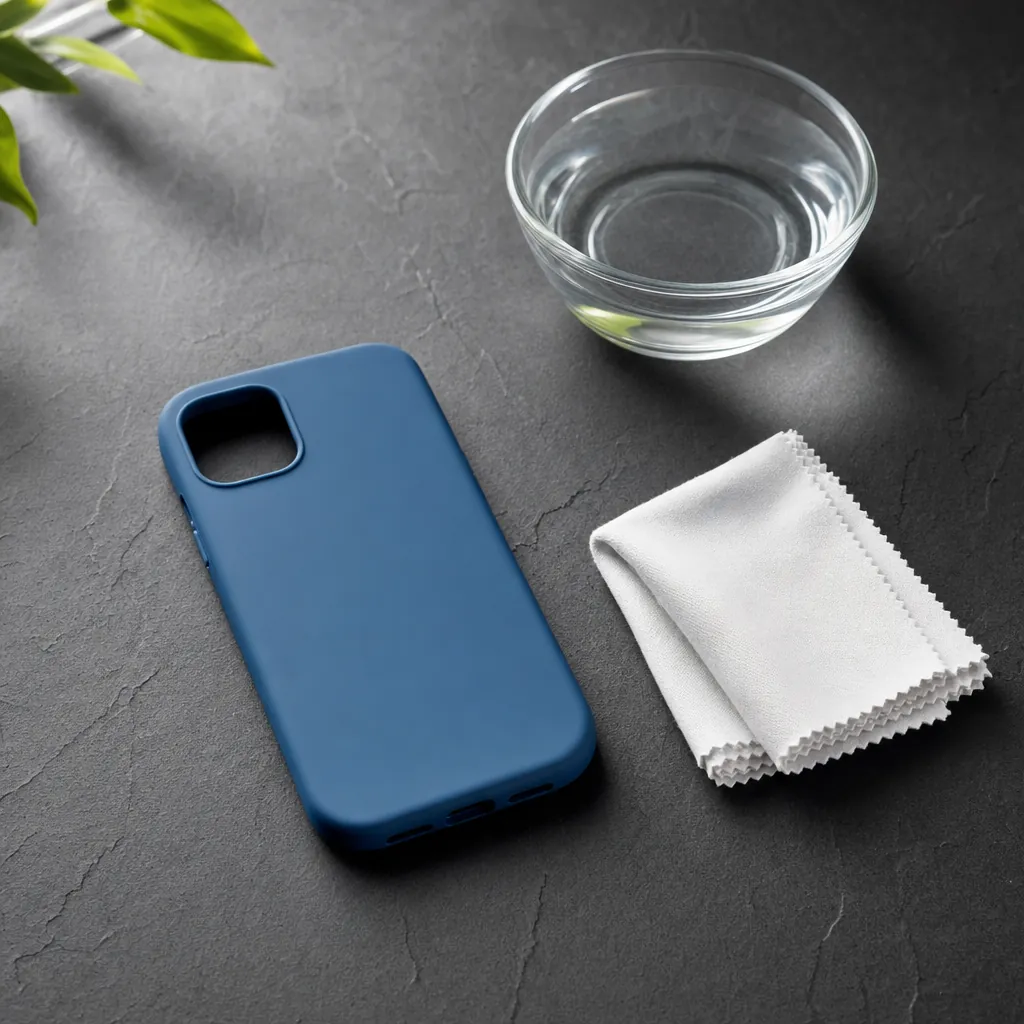
How to Clean a Silicone Phone Case Without Making It Sticky
Learn how to clean a silicone phone case with a damp microfiber cloth and avoid cleaners that can leave the finish sticky.
READ ARTICLE ↗
How to Clean a Leather Phone Case
A careful, practical routine for cleaning genuine leather and leather-look phone cases without leaving the finish dry, dull, or damaged.
READ ARTICLE ↗