A sticker can leave a phone case feeling worse after it is gone: clean-looking at first, then strangely tacky as dust sticks to the remaining adhesive. The temptation is to attack that patch with whatever cleaner is nearby. That is how clear plastic gets cloudy, a printed pattern gets rubbed away, or a soft-touch finish becomes permanently shiny. A better approach is slower. Remove the phone, work from the gentlest method upward, and stop before a small sticky spot turns into a damaged case.
First, check what kind of residue you have
Sticker residue is usually concentrated in one spot and feels grabby under a fingertip. It may look glossy on a matte case, catch pocket lint, or leave a faint outline of the sticker. That is different from a case that feels tacky everywhere. A whole-case problem can come from lotion, sunscreen, food oils, cleaning-product film, or a coating that is wearing down. If the surface is sticky across the back and sides, start with the broader sticky phone case cleaning guide instead.
Look closely before doing anything. Printed graphics, soft-touch coatings, leather-look material, fabric, glitter, clear plastic, and older flexible edges all respond differently to cleaning. If the sticker is on a smooth hard plastic surface, you have a little more room to work. If it is on a decorative finish, treat the maker’s care instructions as the final word and test only the least aggressive option in an inconspicuous place.
Also check the case itself. A cracked corner, peeling coating, stretched rim, or warped back is not an adhesive problem. Cleaning cannot restore its fit or protection, so replacement is usually the better call when the case no longer sits evenly around the phone.
Remove the phone and take off any extras
Take the phone out before you clean the case. That gives you a firm surface to hold, keeps liquid away from the phone’s openings, and lets you see the inside edge where grit often collects. Apple’s case cleaning guidance likewise begins by removing the iPhone and recommends a soft, slightly damp, lint-free cloth for silicone, clear, polycarbonate, and TPU cases.
Remove detachable wallets, grips, rings, or stands only in the way their maker intends. If the sticker sits underneath an accessory, do not pry under the accessory with a blade or metal tool. An adhesive-backed grip may need its own removal instructions, and forcing it can tear the case surface instead of lifting the sticker cleanly.
Set up on a clean towel or tabletop. You only need a dry microfiber cloth, a second cloth that can be made slightly damp with plain water, and patience. Keep the case flat as you work. Flexing a thin clear case while rubbing hard can leave stress marks or make a shallow scratch much easier to see.
Lift the sticker slowly, not all at once
If the sticker is still attached, start at a loose edge with a clean fingernail. Pull it back low and slowly, almost parallel to the case, rather than yanking it straight upward. This puts less force on the case finish and gives the adhesive time to release. If it resists, pause. Fast peeling is more likely to leave a larger patch of glue or pull at a delicate coating.
Do not use a knife, razor, metal pick, or sharp scissors to get underneath. Even when the case seems hard, a sharp edge can score clear plastic, catch a printed layer, or slip toward your hand. A hard plastic card can also leave a visible line on a glossy surface. For a stubborn corner, warm it only with your hands and return to slow lifting. Do not use a hair dryer, heat gun, hot water, or a dashboard in the sun to soften the adhesive. Heat is rough on flexible materials and can change how a case fits.
Once the paper or vinyl is gone, resist the urge to keep rubbing at the outline immediately. First wipe away any loose bits with the dry microfiber cloth. You want to know what is actual glue and what is simply lint caught at the edge.
Use a barely damp microfiber cloth for the first pass
Dampen one corner of a clean microfiber cloth with plain water. It should feel barely moist, not wet enough to drip. Hold it over the residue briefly, then rub the spot with light pressure in small circles. Use the dry part of the cloth to pick up moisture, then inspect the case. Several gentle passes are safer than one aggressive scrub.
This is intentionally boring, and that is a good thing. Apple specifically advises avoiding window cleaners, household cleaners, aerosol sprays, solvents, ammonia, abrasives, and cleaners containing hydrogen peroxide on common iPhone case materials. Those products may change the adhesive, but they can also cloud, scratch, or damage the case finish. A lightly damp lint-free cloth is the sensible first move when the exact case material is uncertain.
Keep water away from seams, buttons, a camera cover, a folding stand, a magnetic ring, or an adhesive pad. Never spray cleaner directly onto a case. Controlled moisture on a cloth is easier to manage and much less likely to find its way into a spot that should stay dry.
Know when not to escalate the cleaner
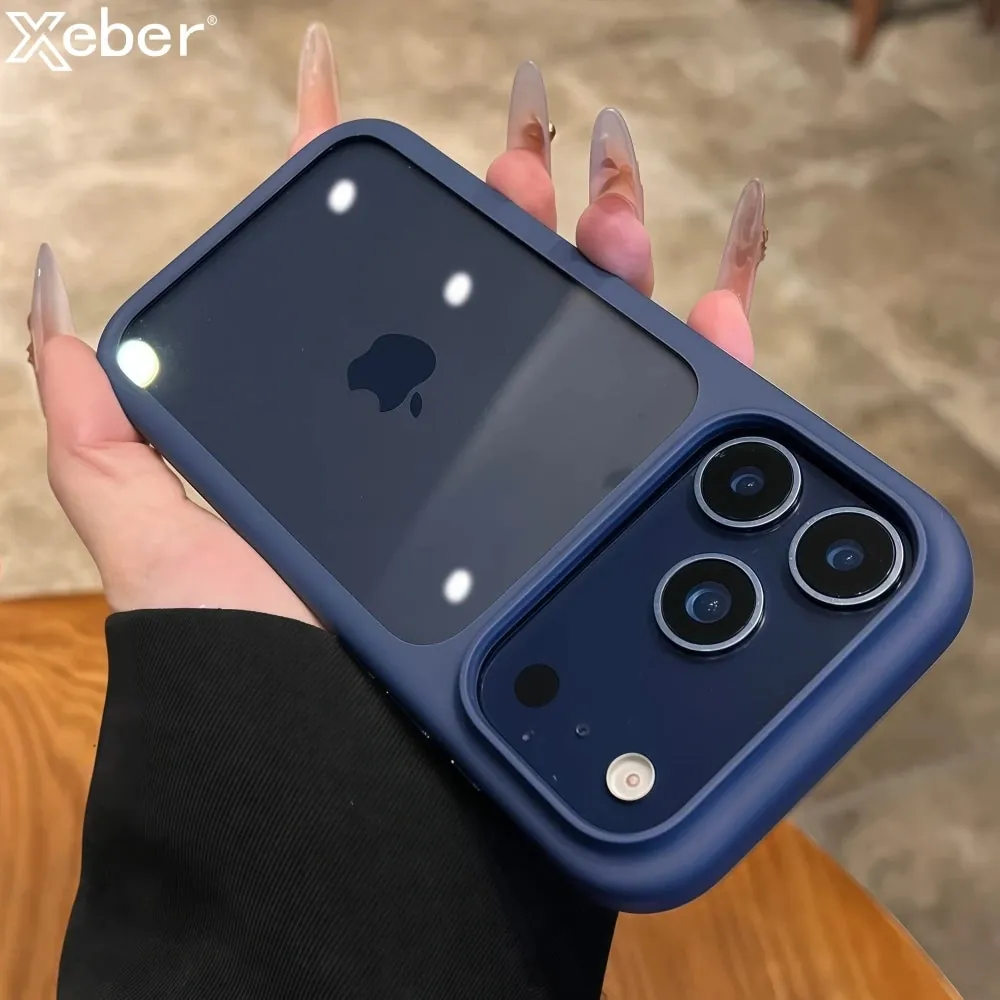
Some cases carry a material-specific warning because the surface is not plain plastic. Leather and leather-look cases can change colour with cleaning. Soft-touch finishes can become patchy. Printed designs can lift. Clear cases can turn cloudy. If the damp-cloth method does not improve a stubborn patch, do not assume that acetone, nail polish remover, paint thinner, strong degreaser, or a rough scrub pad is the next step. Those methods can remove more than the residue.
Rubbing alcohol deserves the same caution. It may be acceptable for some materials, but it is not a universal fix for every phone case. Check the case maker’s directions before using it, especially when a case has a coating, printed artwork, faux leather, glitter, or a magnetic accessory. If you cannot verify compatibility, keep to the gentle method rather than gambling with a finish you cannot replace separately.
If the case is an inexpensive, worn, or already scratched cover and the residue still will not lift, replacement can be the more practical answer. The goal is a case that is clean and secure, not a chemistry experiment performed on the back of your phone.
Clean around grips, rings, and magnetic areas with care
Sticker residue often shows up after removing a grip, ring, label, card wallet, or mount. Those accessories can leave adhesive near a charging area or a moving part. Wipe around the edge with a dry cloth first. If the accessory is detachable, clean the case surface and the accessory surface separately, then let both sit dry before reattaching anything.
For a magnetic charging setup, keep the central contact area smooth and clear. A lumpy patch of adhesive, a metal plate, or a bulky add-on can make it harder for the charger to settle where it belongs. The magnetic charging compatibility guide explains how thickness, alignment, and extra pieces can affect a reliable connection.
After cleaning, check that a stand opens normally, a ring moves as intended, and the phone lies flat on a charger. If an accessory wobbles, will not stick securely, or makes the phone sit unevenly, do not cover up the issue with more adhesive. It may be time to replace the accessory or the case beneath it.
Dry, reinstall, and check the fit
When the residue is gone or no longer improving, dry the case fully with a clean part of the microfiber cloth. Leave it open side up until the corners, button covers, camera opening, and any seams feel dry. Heat is not a shortcut. Letting the case air dry protects its shape and gives you a chance to see whether the cleaned patch still looks normal.
Use the waiting time to wipe the phone’s back with a dry cloth and remove lint. Then reinstall the case, pressing each corner into place without forcing it. The case should sit evenly, line up with the buttons and camera, and not lift away from the phone at an edge. If you are unsure about removal or refitting, the safe phone case removal guide walks through the lower-corner method.
Give the area a final touch check once the case is back on. It should feel smooth and dry, not oily, gritty, or unusually tacky. If lint starts collecting straight away, there may still be a trace of adhesive. Remove the case again and return to a gentle microfiber pass rather than escalating to a stronger household product. This small recheck is especially useful near a camera surround or magnetic ring, where a rough patch can be easy to miss but annoying in daily use.
A case that has become loose, cracked, or warped deserves replacement even if the sticker residue is gone. Cleanliness helps comfort, but a secure fit is what helps a case do its actual job.
Choose a case that suits your everyday setup
Stick-on extras are not always the best answer for a phone that needs more grip, a stand, or a magnetic connection. If you use a stand every day, a case made with a folding stand can be less fussy than adding and removing adhesive parts. If you want a steadier one-handed hold, a textured or ring-stand design may be easier to live with than trying to revive an old smooth surface.
Snap & Grip’s Magnetic Ring Stand iPhone Case combines a rotating ring with a stand, while the MagSafe Invisible Stand iPhone Case keeps the back cleaner with a low-profile folding stand. Browse the Phone Cases collection to compare the fit, finish, and daily-use features that matter for your phone.
The best case should make handling, charging, and carrying your phone easier. A careful cleanup is worth doing. So is knowing when a case has reached the point where a fresh, better-matched option makes more sense.
FREQUENTLY ASKED QUESTIONS
Sticker residue on phone cases
What removes sticker residue from a phone case?
Start with a soft, slightly damp microfiber cloth and gentle rubbing. If the case maker gives a compatible cleaning method, follow that next. Avoid blades, abrasive pads, acetone, and strong household solvents because they can scratch, cloud, or change the finish.
Can I use rubbing alcohol on a phone case?
Only if the case maker says it is suitable for that exact material and finish. Alcohol can affect clear plastic, soft-touch coatings, prints, leather-look materials, and adhesives. A damp lint-free cloth is the safer first step when you are unsure.
Why is my phone case still sticky after a sticker is gone?
Adhesive can leave a thin film even after the paper or vinyl lifts away. Work slowly with the gentlest compatible method. If the whole surface remains tacky after careful cleaning, the coating may be worn rather than covered in residue.
Will removing a sticker damage a clear phone case?
It can if you peel quickly, use sharp tools, or use a cleaner that is not suitable for the plastic. Lift one edge slowly, keep pressure light, and stop if the finish starts to cloud, lift, or change texture.
RELATED POSTS
Keep your phone case clean, comfortable, and ready to use.

How to Clean a Sticky Phone Case
A safe way to remove residue from a sticky phone case, avoid damage, and tell when the case needs replacing instead.
READ ARTICLE ↗How to Clean a Phone Case Safely
A simple, material-aware way to clean a phone case without trapping moisture, scratching the finish, or using the wrong cleaner.
READ ARTICLE ↗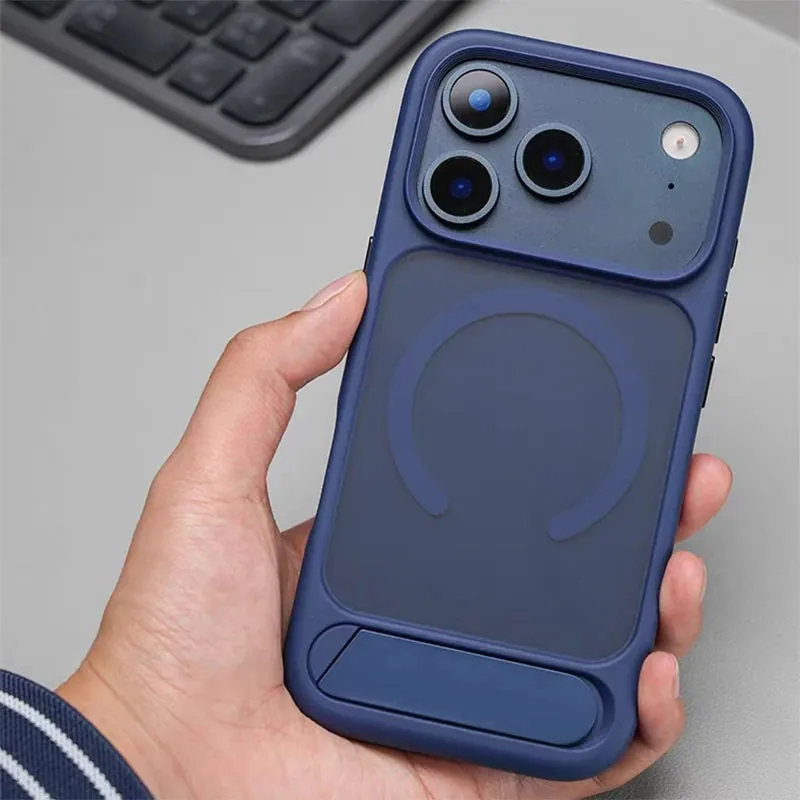
How to Clean a PopSocket Without Ruining the Grip
A careful, practical way to clean a PopSocket or similar phone grip, keep the moving parts working, and know when it is time to replace it.
READ ARTICLE ↗