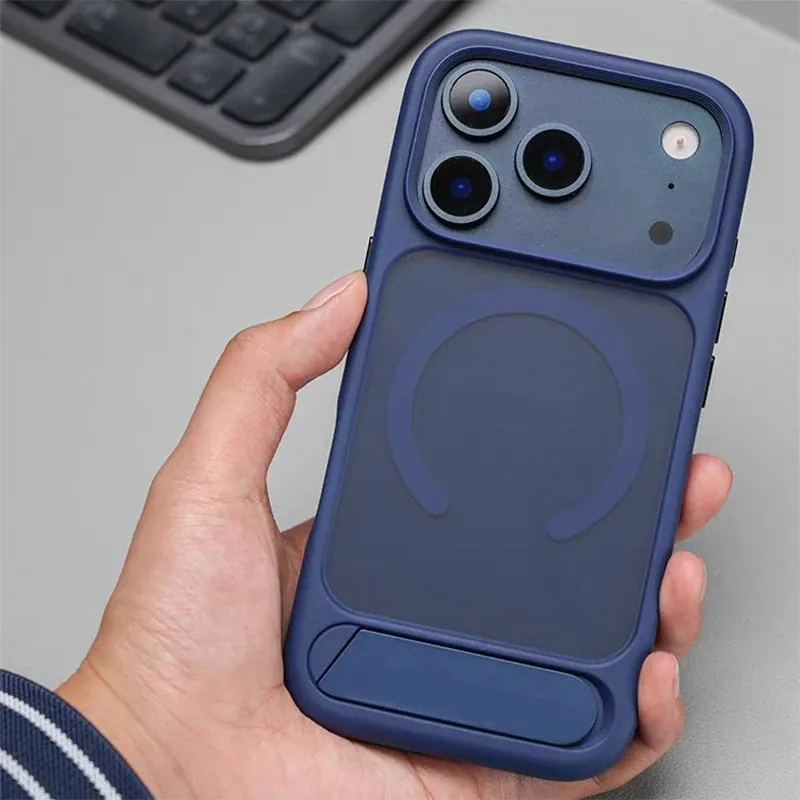
A phone grip gets more contact than almost any other part of your setup. It meets your fingers after hand cream, sunscreen, a workout, lunch, a commute, and whatever was at the bottom of a bag. That is why a once-comfortable PopSocket or similar grip can start to feel dusty, slick, or unpleasant even when the phone case around it looks fine. A gentle clean is usually all it needs. The trick is knowing which parts can handle a wipe, which parts need to stay dry, and when a loose grip is telling you it has reached the end of its useful life.
Know what kind of grip you are cleaning first
“Phone grip” covers more than one design. A collapsible adhesive grip has a cap, an expandable body, and an adhesive base. A magnetic grip may lift away from the case instead of sticking permanently. A ring stand can rotate on a hinge, and a case with a built-in stand may have a seam or moving plate. Each design has places where moisture, cleaner, or too much pressure can cause trouble.
Before cleaning, look for the parts that move or attach. Is the grip stuck to the case with adhesive? Does it pull off magnetically? Does it rotate, fold, or pop out? If it has a maker’s care instructions, use those as the final word. A soft surface wipe is broadly low-risk. Rinsing a removable adhesive pad, spraying a hinge, or soaking a magnetic accessory is not something to guess at.
Take the phone out of its case if you will be working close to the camera opening, buttons, charging area, or the case edge. Apple’s iPhone cleaning guidance also favors a soft, lint-free cloth and warns against getting moisture into openings. Separating the phone from the accessory makes the job calmer and gives you room to see the whole surface.
Start with a dry microfiber wipe
Begin with the lowest-risk method: a clean, dry microfiber cloth. Fold it into a small pad and wipe the top, sides, and edges of the grip with light pressure. Turn the grip through its normal positions while you work, but do not force it farther than it is meant to go. The goal is to lift lint and fresh oils before they get pressed into a seam.
Pay attention to the spots your thumb and index finger find most often. A faint film can make a matte or rubbery finish feel slippery, while pocket lint can make a hinge feel gritty. A dry cloth is often enough for ordinary buildup. It also keeps you from carrying cleaning residue onto the case or the phone.

If you notice grit around the edge of the case as well, clean that separately rather than rubbing it through the grip. The phone case cleaning guide walks through the safest order for clearing debris, wiping the material, and drying it before the phone goes back in.
Use only a slightly damp cloth for stubborn surface residue
For sunscreen, makeup, food residue, or a sticky fingerprint film, dampen one corner of a microfiber cloth with plain water. It should feel barely damp, not wet enough to leave droplets when pressed. Wipe the outside surface gently, then immediately follow with a dry part of the cloth. Work in short passes so moisture never has a chance to collect around a hinge, opening, or attachment point.
Avoid spraying cleaner directly onto a grip. Skip abrasive pads, rough paper towels, acetone, bleach, and strong household sprays. These products can leave a printed cap dull, change a soft-touch finish, or creep into the part that helps the grip move. Stronger is not cleaner here. It is usually just harder to predict.
If the grip is on a case, keep the damp cloth away from exposed phone edges and ports. Clean the case in small sections instead of wetting the whole back. A quick, controlled wipe leaves you with less drying to worry about and gives you a better sense of whether the slick feeling came from residue or from a finish that has worn smooth.
Treat the adhesive or magnetic connection gently
Do not assume every grip attaches in the same way. An adhesive-backed grip depends on a clean, dry contact surface. A magnetic grip depends on a flat, compatible surface and clear alignment. A rotating ring built into a case has neither of those attachment points exposed, but it can still collect residue around its moving edge.
For an adhesive base, clean the case surface around it with a dry microfiber cloth first. If the grip is designed to be removed, follow that maker’s directions before touching the adhesive. Do not scrape it with a card, pick at it with a fingernail, or apply an oil-based cleaner in hopes of making it tacky again. Those shortcuts can leave a mess on the case and make a clean reattachment harder.
For a magnetic accessory, remove it, wipe both contact surfaces dry, and place it back on a clean, flat case. Magnetic accessories need room to settle into their intended position. The magnetic charging guide explains why extra thickness, metal plates, and bulky add-ons can interfere with a stable connection. If you charge magnetically, remove a detachable grip before charging unless both the case and accessory are designed to work together.
Handle moving rings and stands without forcing them
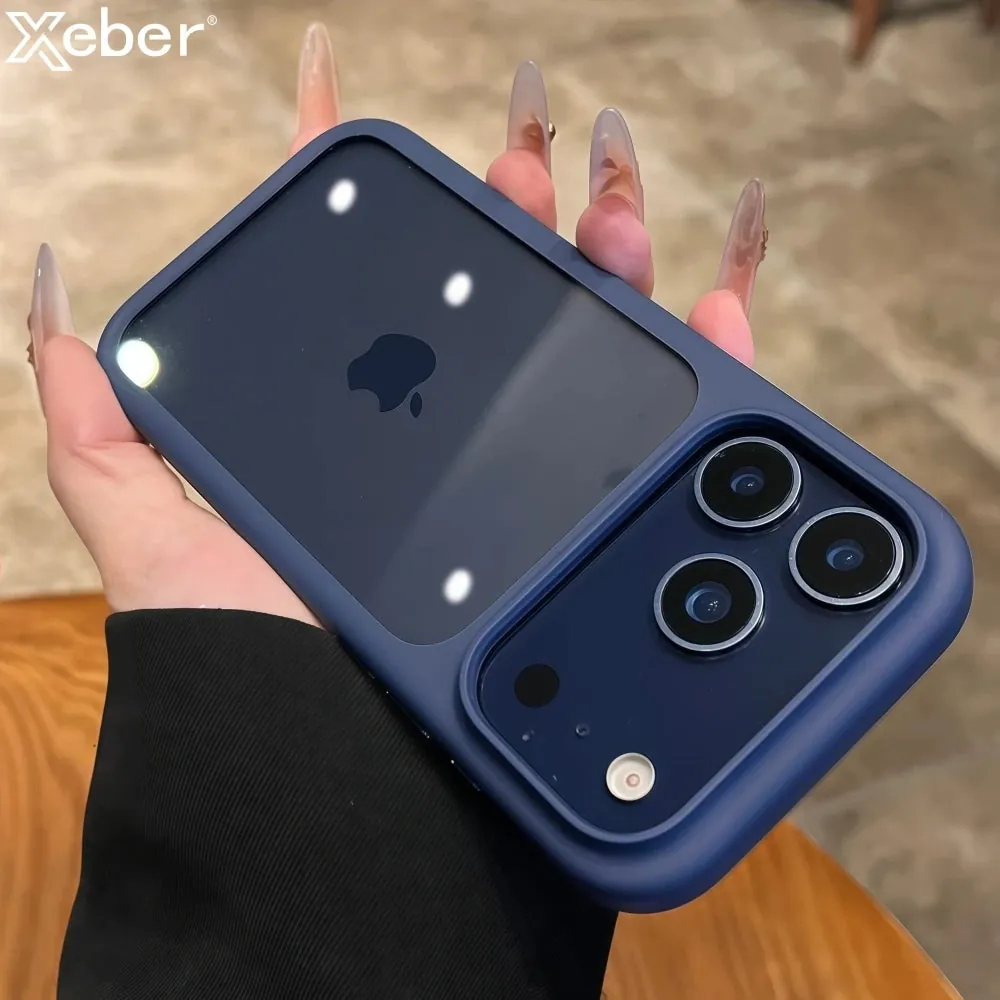
A ring, kickstand, or collapsible grip can feel dirty when the real issue is friction at a moving joint. Hold the case steady with one hand, then move the ring or stand through its normal range slowly. Use the dry corner of your microfiber cloth to lift visible lint from around the edge. Do not push the cloth into a narrow seam, and do not use a pin, knife, toothpick, or compressed air. Those tools can scratch a finish, bend a thin edge, or drive debris farther inside.
If the mechanism feels stiff after a dry wipe, stop before adding lubricant or cleaner. Oils and sprays may make a hinge feel smoother for a moment, but they can also collect dust and migrate onto the case. A mechanism that continues to catch, scrape, or refuse to hold its normal position is better treated as a repair or replacement question. Cleaning should improve the surface, not become an experiment on a part that holds your phone.
Keep magnetic and charging surfaces clear while you inspect a stand. A ring or plate in the middle of the case may change how a charger settles. If you use a charging pad, stand, or portable battery, test the setup after the accessory is clean and fully dry. A stable connection is more useful than a grip that looks good but makes you remove your case every time you need power.
Let it dry before you use it again
After any damp wipe, leave the grip open in its normal position until it feels fully dry. A dry surface should not feel cool or tacky from leftover moisture. Do not rush the process with a hair dryer, radiator, direct sun, or a hot car dashboard. Heat can change plastics, loosen adhesives, and make a flexible surface age faster.
Once everything is dry, test it the way you actually use it. Extend the grip, hold the phone for a minute, fold it down, then open it again. A clean grip should move smoothly without sticking, squeaking, or feeling rough. For a detachable accessory, make sure it sits flat and does not shift under a light normal pull. There is no need to test it by swinging the phone around. A calm check is enough to tell you whether the connection is dependable.
Know when cleaning will not solve the problem
A wipe can remove surface buildup. It cannot repair an adhesive pad that has lost its hold, a cracked cap, a bent hinge, a magnet that no longer aligns, or a ring that spins freely when it should stay put. If the grip comes loose repeatedly, catches your finger, feels sharp, or makes the phone sit unevenly on a charger, it is time to stop treating it as a cleaning problem.
The same goes for the case underneath. A stretched edge, cracked back, or warped area around a grip can make any attachment feel less secure. Remove the case carefully, inspect it in good light, and replace it if it no longer sits flat around the phone. The safe phone case removal guide can help you inspect a tight case without forcing the frame.
If the issue is simply a slippery feel on an otherwise sound case, start with a gentle clean and reassess. The guide to making a phone case less slippery has practical options for improving control without covering buttons, camera openings, or a magnetic charging area.
Build a small grip-care routine
A light wipe every week or two keeps residue from turning into a bigger job. Clean sooner after sunscreen, lotion, a workout, cooking, travel, or a spill. Keep one microfiber cloth near where you charge your phone, rather than with heavier household cleaners. That makes the safest option the easiest one to reach.
While you clean, check the rest of your setup. Look at the case edge, camera opening, charging surface, and any stand or ring mechanism. A phone grip works best when the case is clean, fits securely, and matches the accessories you use. This small routine also makes it easier to spot when a part is wearing out before it fails at an inconvenient moment.
Choose a grip that fits the way you use your phone
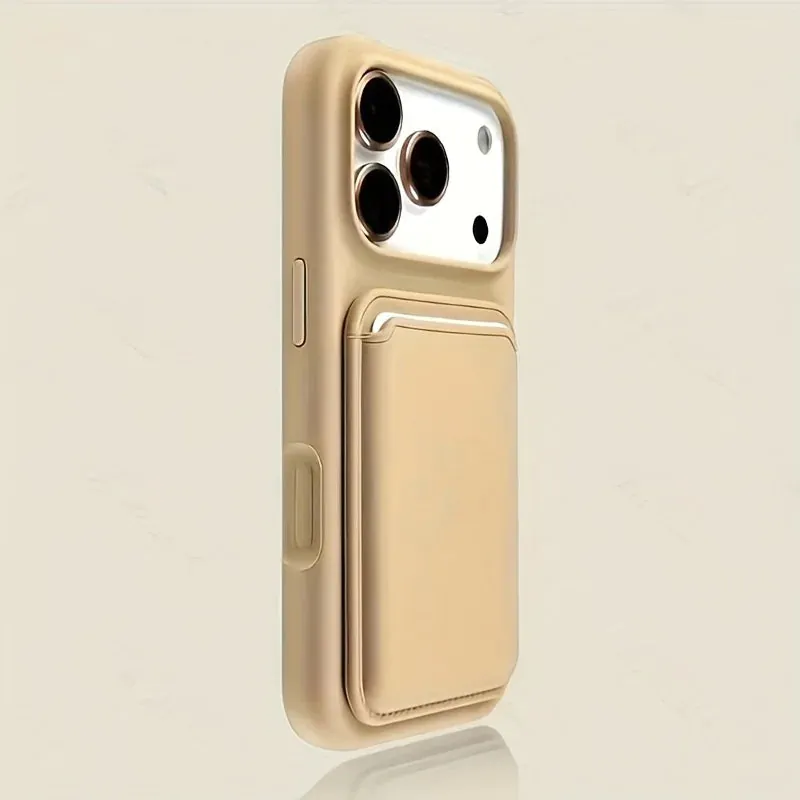
If your current grip has reached the end of its life, replace it with the function you will actually use. A rotating ring can give you a more secure hold and a quick viewing stand. A low-profile folding stand can be a better fit if you want the back of the case to stay smooth when the stand is closed. If wireless charging is part of your routine, choose a case and accessory designed to keep the charging surface clear.
Snap & Grip’s Magnetic Ring Stand iPhone Case combines a 360° rotating ring with a stand and a silicone case. The MagSafe Invisible Stand iPhone Case is a slimmer alternative with a folding stand. Both are worth comparing against your exact phone model and the charger or mount you use most often.
The best grip is the one you do not have to fight. Keep it clean, keep the contact surfaces clear, and replace it once wear starts affecting the way you hold, charge, or use your phone every day.
FREQUENTLY ASKED QUESTIONS
Phone grip cleaning questions
Can I clean a PopSocket with water?
Use the lightest method that suits the grip and its maker’s care instructions. For the outside surface, a soft lint-free cloth that is only slightly damp is a sensible starting point. Keep liquid away from any adhesive pad, hinge, magnet, or opening unless the maker specifically says it can be rinsed.
Why does my phone grip feel slippery or grimy?
Skin oils, lotion, sunscreen, makeup, food residue, and pocket lint can build up where your fingers naturally rest. A gentle wipe often improves the feel. If the surface still feels slick or the grip wobbles after cleaning, the material or mechanism may be worn rather than dirty.
Can I use alcohol wipes on a PopSocket?
Check the grip maker’s instructions first. Alcohol and other strong cleaners can affect printed surfaces, soft-touch finishes, adhesive pads, and some plastics. A clean microfiber cloth is the lower-risk everyday option when you do not have a material-specific instruction.
How often should I clean a phone grip?
Give it a quick wipe every week or two, and clean it sooner after sunscreen, a workout, cooking, travel, or a spill. Regular light care is easier on the grip than waiting until residue has built up around the moving parts.
RELATED POSTS
Keep the parts you touch every day working well.
How to Make a Phone Case Less Slippery
Simple, low-risk ways to improve your hold on a slippery phone case, plus the signs it is time for a better-fitting replacement.
READ ARTICLE ↗How to Clean a Phone Case Safely
A simple, material-aware way to clean a phone case without trapping moisture, scratching the finish, or using the wrong cleaner.
READ ARTICLE ↗
Does Magnetic Charging Work Through a Phone Case?
What makes magnetic charging work through a case, what can interrupt it, and how to check your own setup before you charge.
READ ARTICLE ↗