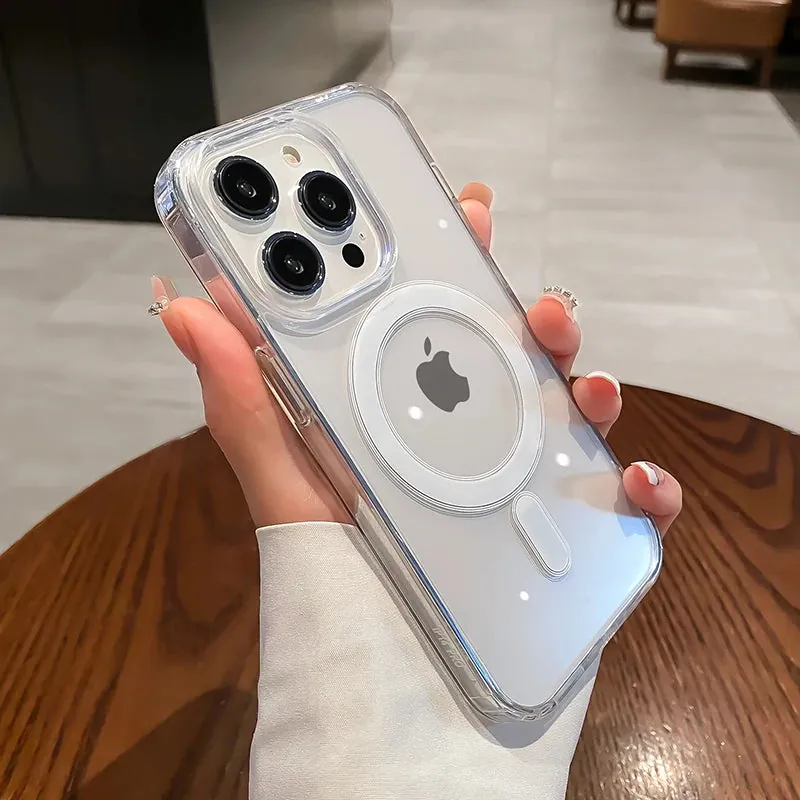
Usually, yes. Magnetic charging can work through a phone case, but a charger that lights up is not always a charger that is sitting in the best position. The difference comes down to the case, the phone, and anything you have added to the back. A good setup should feel simple: the charger settles into place, stays there, and lets you get on with your day. If you have to hunt for a charging spot or keep checking whether it disconnected, it is worth finding out why.
Start with the short answer
Wireless charging sends energy between a coil in the charger and a coil in the phone. Magnetic systems add a ring of magnets to guide those coils into the right position. The magnets do not supply the power. They make placement more repeatable, which is especially useful on a bedside stand, in the car, or with a power bank that needs to stay attached while you move.
A thin case made without metal may still allow ordinary wireless charging. A case made for magnetic accessories gives the charger a more reliable place to land. The Wireless Power Consortium explains that Qi2 magnetic attachment is designed to align a phone and charger precisely, so compatible devices can connect without the usual careful positioning.
That distinction is helpful when shopping. “Wireless charging compatible” can mean a case does not completely block a charging pad. It does not automatically mean a magnetic charger, power bank, or car mount will hold firmly. Look at the product details for the charging setup you actually use, rather than assuming every slim case behaves the same way.
What a case changes when you charge
A case adds material and a little distance between the charger and the phone. With a slim, well-fitted case, that may not make a noticeable difference in everyday use. With a thicker case, a loose magnetic ring, or several layers of accessories, the charger can sit farther away or lose its centered position.
Alignment matters because wireless charging works best when the charging surfaces are facing each other where they are meant to. A magnetic case helps guide that meeting point. Without it, a phone can still charge on a flat pad, but it may slide out of place more easily. On a vertical stand or a magnetic power bank, a weak hold is more obvious because gravity gets a vote.
Material matters too. Silicone, TPU, and non-metal hard plastic are common case materials. A metal plate, metal kickstand, thick ring grip, or other hard add-on directly over the charging area can interfere with the connection. Treat a case as part of the charging setup, not as a separate afterthought. The right case protects the phone without turning every recharge into a small negotiation.
Know the difference between magnetic and wireless charging
The phrases get used interchangeably, but they solve different problems. Wireless charging describes how power moves without a cable between the charger and phone. Magnetic charging describes the way magnets help position compatible equipment. You can have wireless charging without a strong magnetic hold, and you can have a magnetic accessory that is not a charger at all.
For iPhone users, MagSafe is a familiar example of magnetic alignment. Qi2 brings a similar alignment approach to certified products across more brands. The important practical question is not which label sounds best. It is whether your phone, case, and charger are designed to work together. The Qi standard overview notes that Qi2 devices use magnetic attachment to improve alignment and energy efficiency.
If your phone does not have magnets built in, an appropriate magnetic case may add the alignment feature you need for compatible accessories. That does not make every accessory suitable for every phone. Check your phone model, charger, and case specifications before you buy, especially if you want a magnetic mount to hold the phone upright.
Use this five-minute compatibility check
You do not need special equipment to get a useful answer. Start with a clean charger, a fully seated case, and nothing else attached to the back of the phone. Place the phone on the charger and let it settle naturally instead of sliding it into a position by hand. With a compatible magnetic setup, you should feel it find the center without a lot of fuss.
Next, look for a few everyday signs. Does charging begin promptly? Does the phone stay in place if you tap the screen? Does the connection remain steady for a few minutes? Is the phone only normally warm, rather than noticeably hotter than expected? These observations do not replace a manufacturer’s guidance, but they help you tell the difference between a stable setup and one that only works when everything is perfectly still.
If the result is inconsistent, remove the case and repeat the same check. If charging becomes dependable without the case, inspect the case for extra thickness, a metal plate, a ring grip, a wallet attachment, or a misaligned magnetic insert. If the result is the same with and without the case, the charger, cable, power source, or phone may be the variable instead.
Match the test to the way you charge
A flat charger is the easiest place to start because the phone can rest under its own weight. Put the charger on a stable surface, attach only the case, and let the phone settle. If it charges consistently there but not on a stand, the issue may be the strength of the magnetic hold rather than the ability to pass power through the case.
A bedside stand adds a second test: can the phone remain connected when it is upright? Give the phone one gentle tap as you normally would to check the time. It should not slide downward or immediately stop charging. If it does, remove any wallet or grip first. A magnetic-compatible case is often the more dependable choice for this type of setup because it helps the phone return to the intended position.
Portable magnetic batteries deserve a movement test. Attach the battery, hold the phone the way you would on a walk, and see whether it stays centered without a white-knuckle grip. A bulky case or raised add-on can make a battery feel attached at first but shift as soon as the phone moves. The better outcome is a clean connection that stays put, not one that needs constant adjustment.
In the car, focus on safety as well as charging. Set up the mount before driving, make sure the phone is secure, and avoid changing the position while the vehicle is moving. If a magnetic car mount uses a metal plate, do not assume it is also suited to wireless charging. Follow the mount maker’s instructions and use a charging solution designed for the case and phone you have.
Remove the extras before you blame the case
Wallets, card holders, grips, and decorative inserts are useful until they occupy the same space a charger needs. Even a thin card wallet can add distance. A metal plate used for an older car mount can be especially troublesome because it sits directly where a charger is trying to connect. Remove extras first, then test with only the phone and case.
Cards deserve extra care. Apple’s wireless charging guidance advises removing cases that hold credit cards, security badges, passports, or key fobs before charging, as the magnetic strip or RFID chip can be affected. That is a good habit even if the phone still appears to charge normally.
A case with a built-in stand or ring is not automatically incompatible, but placement and design matter. Read the product details, especially if the feature sits in the center of the back. When in doubt, use the charger with the attachment removed. A flatter path between the case and charger is usually the more predictable one.
Watch for signs that the setup is not working well
Slow charging alone does not prove that a case is the problem. Battery level, temperature, charger output, and background phone activity can all affect what you see. Still, a few repeatable patterns are worth investigating: the phone repeatedly starts and stops charging, the charger will not stay attached, the phone has to be nudged into a precise spot, or the setup becomes unusually hot.
Begin with the simple checks. Remove any wallet, grip, metal plate, or thick insert. Make sure the case is clean and sits flat around the back of the phone. Let the magnetic connection find its own position. Then compare it with charging without the case. Do not keep forcing a setup that regularly disconnects. A stable connection is more useful than a charger that only works when you are watching it.
If a case is cracked, warped, or lifting at the edges, replace it rather than trying to solve the issue with more adhesive accessories. Our guide to removing a phone case safely can help you inspect the back of the phone and case without forcing the frame. A secure fit protects the phone and keeps the charging surface flatter.
Choose a case around the way you power your phone
If magnetic charging is part of your daily routine, make it one of the first things you consider when choosing a case. You may prefer a clear magnetic case for a slimmer look, a silicone option for a softer feel, or a case that gives you a steadier hold. The key is being honest about the accessory you use most: a desk charger, portable battery, car mount, or a mix of all three.
Snap & Grip’s MagSafe transparent iPhone case is designed for compatible magnetic charging and accessories while keeping a clear back. If you are comparing the wider range, the clear magnetic case guide explains what to look for in a clear option, while the magnetic iPhone case guide covers the everyday uses that may matter to you.
For a charger-first setup, browse the chargers and cables collection and compare the product details with your phone model and case. A good choice is not necessarily the most complicated one. It is the one that lets your phone charge securely without having to remove the protection you rely on every day.
Keep the connection simple
A clean, flat case back gives magnetic accessories their best chance to sit properly. Wipe away dust, sunscreen, and pocket residue when you clean your phone, and check that the case has not stretched or warped. Our phone case cleaning guide covers a gentle routine that avoids soaking the case or leaving moisture behind.
When you change phones, cases, or chargers, repeat the quick compatibility check. Small differences in model shape and magnetic placement matter more than a label on a box. A few minutes of testing at home is far better than discovering a loose connection when you need navigation, a boarding pass, or a nearly empty battery.
FREQUENTLY ASKED QUESTIONS
Magnetic charging and phone cases
Does magnetic charging work through a phone case?
It can, provided the case is designed to work with your phone and charger. A thin non-metal case may allow ordinary wireless charging, while a purpose-built magnetic case helps the charger settle into the correct position and stay attached.
Do I need a magnetic case for wireless charging?
Not always. A compatible phone may still charge on a standard wireless pad through a thin case. A magnetic case matters when you want the charger, battery, or mount to align and hold securely rather than relying on careful placement.
Why does my phone charge slowly with a case on?
The case may be too thick, the charger may not be centered over the phone, or an add-on such as a card wallet, metal plate, ring, or kickstand may be between the charger and phone. Remove extras, let the magnets align naturally, and compare the result with the case removed.
Can I leave a card wallet on while magnetic charging?
It is better to remove it first. A wallet adds distance and can disturb the charger’s position. Apple also advises removing cards and security badges before charging with MagSafe because magnetic stripes and RFID chips can be affected.
RELATED POSTS
Make your everyday setup work harder.
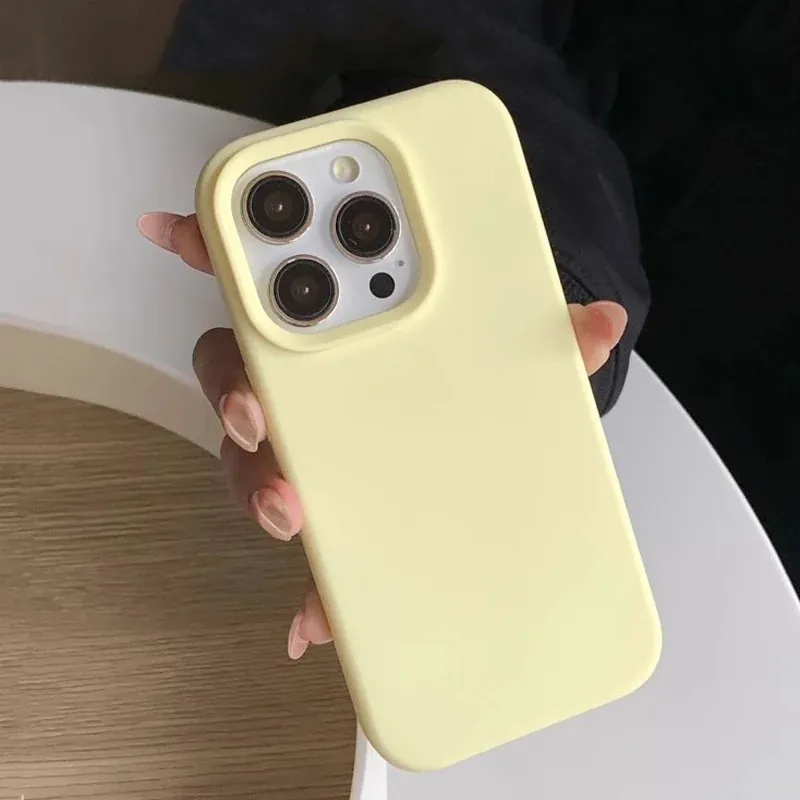
How to Make a Phone Case Less Slippery
Simple, low-risk ways to improve your hold on a slippery phone case, plus the signs it is time for a better-fitting replacement.
READ ARTICLE ↗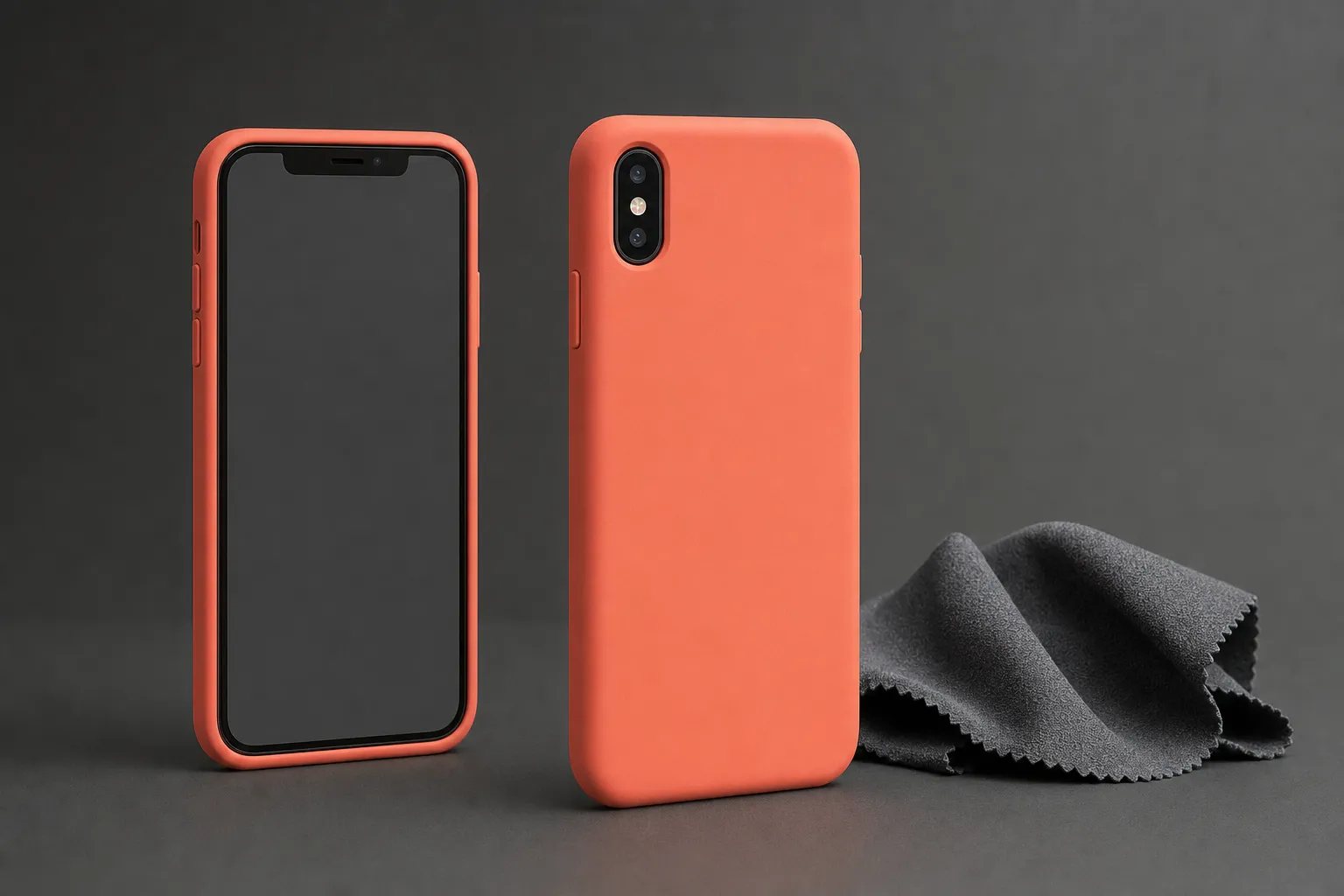
Are Silicone Phone Cases Good?
A practical look at grip, protection, fit, cleaning, and the tradeoffs that matter before you choose a silicone phone case.
READ ARTICLE ↗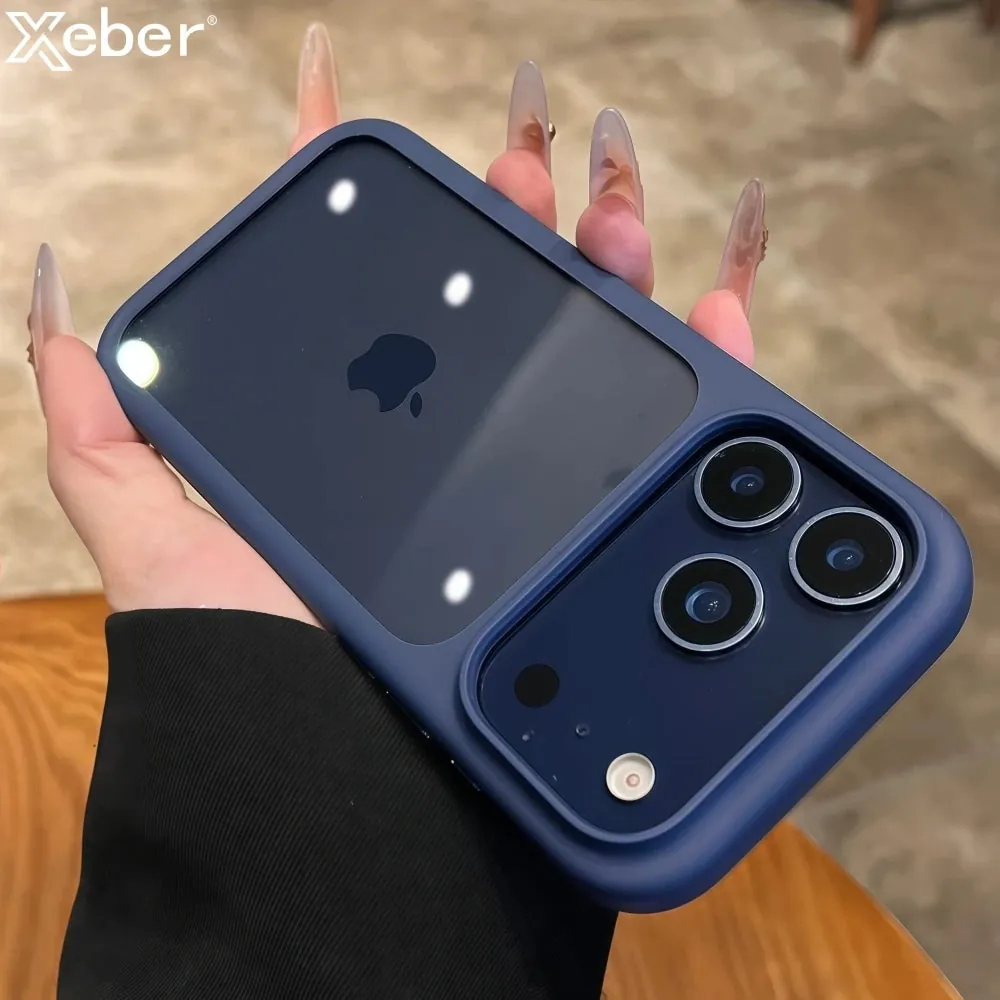
How to Clean a Phone Case Safely
A simple, material-aware way to clean a phone case without trapping moisture, scratching the finish, or using the wrong cleaner.
READ ARTICLE ↗